If you need the a long flight Flight Controls basics, use this order: assemble the aircraft, add fuel, install Ignition, sit in the Pilot seat, and press M. Once the engine is running, release the parking brake and apply Shift gradually for taxiing and takeoff. The controls below are primarily PC reports; only M is identified as officially confirmed in the available control material.
Reported PC controls
Use this table as a starting point, not as a guaranteed key map. Several bindings are reported by community guides or demonstrated in videos, and the direction of some axes is not documented.
A Long Flight reported PC controls
| Input | Action | When to use it | Player note |
|---|---|---|---|
| M | Start or stop the engine | In the Pilot seat | Officially confirmed in the available control material; pressing it again may stop the engine |
| F | Pick up or install an aircraft part | Near a loose part | Community-reported; use it while assembling wings, the engine, or other parts |
| Hold R | Refuel the aircraft | With a kerosene container at the fuel point | Community-reported; add fuel before installing Ignition |
| E | Board or enter the aircraft | Near an available seat | Community-reported and conflicts with reports that list E for rudder control |
| Hold Shift | Increase throttle | After the engine starts | Used in videos for taxiing and takeoff; the exact binding remains community-reported |
| Hold Ctrl | Reduce throttle | During descent or approach | Community-reported; reduce speed before touching down |
| W / S | Pitch control | During takeoff and flight | Reported for nose-up or nose-down control, but the direction mapping is not documented |
| Q / E | Rudder or ground steering | In flight or while taxiing | Community-reported; E has a conflicting boarding report |
| B | Brake | After landing or when stopping | Hold after the aircraft is on the ground; community-reported |
| Parking brake | Hold or release the aircraft | Before taxiing and after parking | The control is required, but its keyboard binding is unresolved |
If a binding behaves differently in your client, do not force the aircraft around the mismatch. Check the current control prompt or settings, especially for E, W/S, Q/E, and the parking brake.
Assemble and start the aircraft
- Approach the loose aircraft components and use the reported
Finteraction to pick up and install the required parts. Make sure the wings and engine are attached before attempting to fly. - Add kerosene with the reported
Rinteraction at the fuel point. The available setup sequence places refueling before Ignition. - Install Ignition last. If the aircraft has no Ignition, adding throttle will not solve the startup problem.
- Use the reported boarding interaction to reach the Pilot seat. The sources conflict on
E, so follow the prompt shown by your client ifEdoes not board you. - Press
Mfrom the Pilot seat. The engine should start when the parts, fuel, and Ignition requirements are satisfied.
If nothing happens, check the four failure points in that order: missing or detached part, no fuel, missing Ignition, or not actually seated in the Pilot position. The aircraft guide shows the same preparation sequence with Rusty. An Early Access problem is also possible after those checks. Avoid repeatedly pressing M without checking the engine state, because the same key may toggle the engine off.
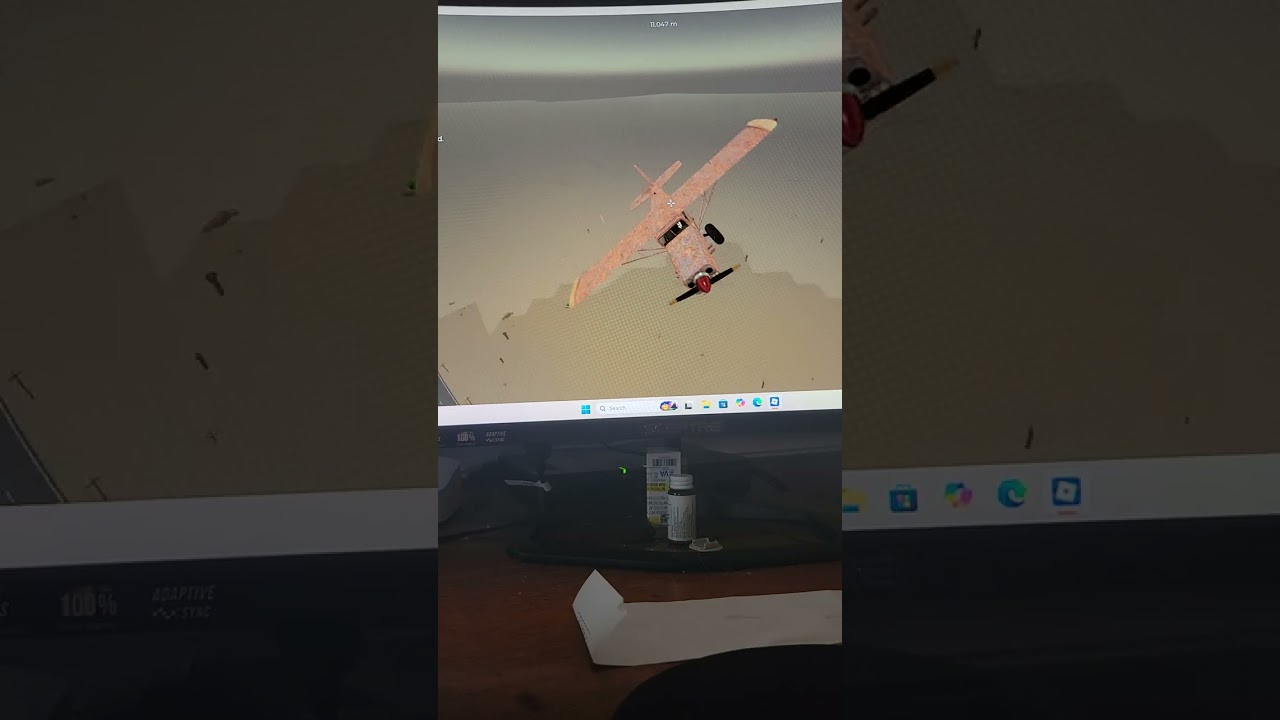
Start the engine and taxi in A Long Flight
This moment supports the startup and taxi steps by showing the Ignition requirement, engine start, and the use of Shift after releasing the parking brake.
Taxi and take off
Release the parking brake before adding power. A video demonstrates using Shift after the brake is off to taxi and take off, but the precise parking-brake key is not stable in the available reports; one source mentions P, while another only demonstrates the action without naming a key.
Apply Shift in short holds rather than immediately using maximum throttle. Keep the aircraft aligned on a Taxiway or Runway with the available ground-steering input, then use the reported pitch controls once the aircraft has enough speed to leave the ground. Because the evidence does not establish whether W or S is nose-up in every version, test the smallest input first and watch the nose response.
The useful decision is not simply “hold throttle until airborne.” If the aircraft begins to veer, correct its ground direction before adding more speed. If it does not respond, stop and recheck the parking brake, engine state, and installed parts instead of trying to lift off with a damaged or incomplete aircraft.
Cruise, descent, and landing
Use Shift to add speed and the reported Ctrl input to reduce it. During cruise, make small throttle changes and use the reported pitch and rudder controls together: pitch manages climb or descent, while rudder helps manage heading. Roads, the Motel, Gas Station, Ranch, and Dirt strip can serve as visual references when choosing where to continue or land. See the map navigation guide for how to chain those landmarks.
For a controlled landing:
- Start descending early instead of waiting until the aircraft is directly over the landing area.
- Reduce throttle with
Ctrlwhile keeping enough control authority to line up with a flat area, Airport, or Dirt strip. - Keep the aircraft aligned through touchdown. Do not make a sudden large pitch change or remove all speed before the wheels are down.
- Once the aircraft is on the ground, hold the reported
Bbrake input to shorten the rollout. Reapply the parking brake after stopping if the current control prompt identifies its binding.
The available evidence does not establish universal speed, altitude, or braking thresholds, so do not treat a fixed number as required for every aircraft. Engines, batteries, cargo areas, and handling can differ between aircraft; recheck the startup and control prompts after switching planes.
Recover from a control failure
Lightning, hostile aircraft, or damaged parts can cause loss of power, an engine stop, or a detached wing. First check whether the engine is still running and whether the aircraft still has its essential parts. If power is lost, try the documented startup sequence again when the aircraft remains controllable: Pilot seat, required fuel and parts, Ignition, then M.
If the aircraft cannot maintain flight, prioritize a flat landing area, Airport, or Dirt strip over a long return route. Keep the nose and heading manageable, reduce throttle gradually, and use B only after touchdown. A landing that preserves the aircraft is more useful than forcing a damaged plane back to its original runway.
FAQ
What key starts the engine in A Long Flight?
Press M while seated in the Pilot seat. The aircraft must have its required parts, fuel, and Ignition.
Why will my aircraft not start?
Check the parts, fuel, Ignition, and Pilot seat first. If all four are correct, verify the current in-game prompt because the game is described as Early Access and the available reports do not document every version-specific failure.
Are these controls available on mobile or console?
The available material does not document the mobile or console equivalents. Do not assume that the PC keyboard map transfers directly to another input method.
SourcesReviewed October 27, 2026
https://a-long-flight.wiki/controls/
https://a-long-flight.wiki/how-to-start-engine/
https://a-long-flight.wiki/how-to-fly/
https://www.roblox.com/games/129631837832236/A-Long-Flight
The M engine action is identified as officially confirmed in the supplied evidence. The other bindings are community-reported or demonstrated in videos and are not independently verified here. The parking-brake key has conflicting reports, and E is reported both for boarding and rudder control; check the live client prompt. The article does not claim fixed speed, altitude, timer, or aircraft-performance values because the evidence does not establish them.