If you are new to a long flight roblox, your first goal is not to fly as far as possible. It is to complete one controlled loop: prepare an aircraft, start it, taxi and take off, choose a recognizable destination, monitor fuel and hazards, then land before the plane becomes unrecoverable. Survival Mode is the best place to learn that loop; Sandbox Mode is more useful for lower-pressure testing when it is available in the current build. For the detailed startup sequence, use the aircraft preparation guide.
Choose a mode and aircraft
Start in Survival Mode if you want to learn the normal pressure of the game. Fuel, aircraft damage, weather, engine or battery failures, zombies around ground stops, and hostile aircraft can all change what a safe flight looks like. Use Sandbox Mode for practice with controls, aircraft behavior, or stunts when the current mode selection makes it available; do not assume it provides the same progression or survival conditions.
At the spawn point or airport, walk around the aircraft before entering the cockpit. Check the following items:
- Body and doors: make sure you can enter the aircraft and identify any obvious damage.
- Engine and propeller: missing or damaged parts can prevent a reliable start.
- Battery and ignition: these are part of the startup sequence, not optional cockpit decoration.
- Fuel: confirm that the aircraft has enough for the planned route and a return or landing option.
- Cargo area: only treat the aircraft as a cargo carrier if it has a usable cargo door or hold.
If a component is missing, search for it and install it before committing to takeoff. The available evidence does not establish a universal repair recipe or a complete aircraft performance chart, so use the current interaction prompts rather than assuming every plane starts the same way.
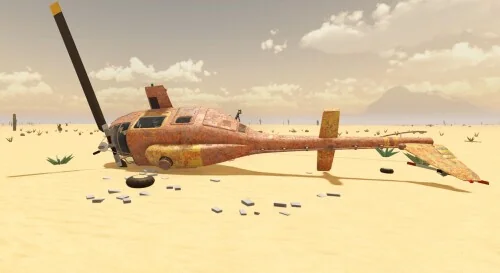
Inspect the aircraft and repair or replace missing parts before attempting takeoff.
Start, taxi, and take off
The safe beginner sequence is battery and ignition → engine → parking brake → taxi → runway or dirt strip → takeoff. Sit in the pilot position and follow the controls shown by the current interface. Keyboard prompts such as M, F, R, and E appear in the available records, but key bindings can vary by platform or update. See the reported flight controls when you need the input details.
Start the engine and taxi for your first takeoff
This moment supports the startup sequence by showing the engine start, parking-brake release, and taxiway takeoff described here.
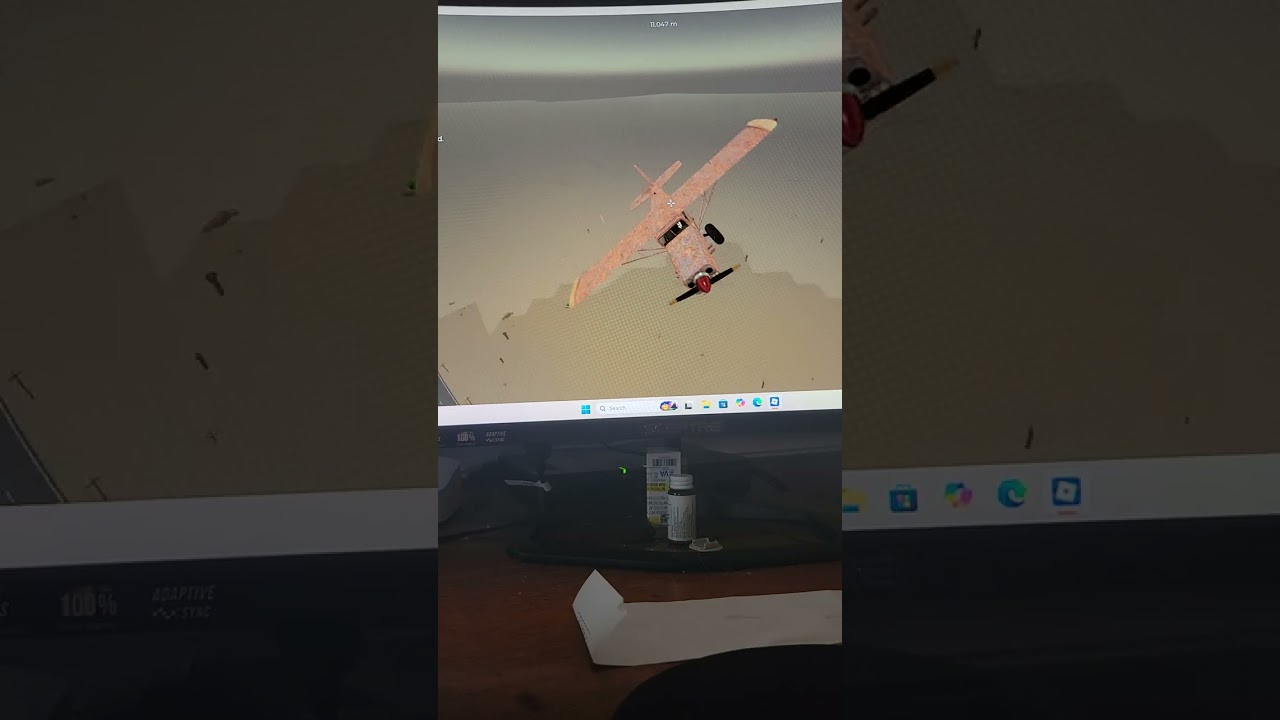
After the engine catches, release the parking brake and add throttle gradually. Taxi along a taxiway or open ground instead of turning immediately into a steep climb. Line up with a runway, airport strip, or clear dirt strip, then lift off with enough space to correct your direction. A short, smooth takeoff is more useful for learning than a high-risk launch from uneven terrain.
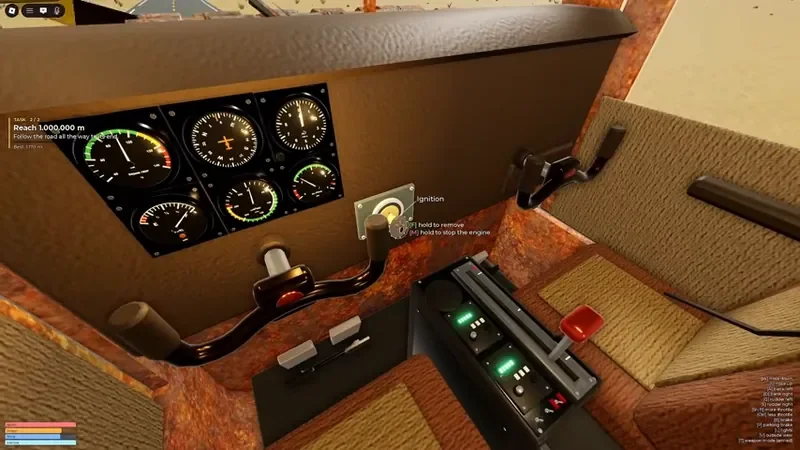
Use the cockpit battery and ignition controls as part of the startup sequence.
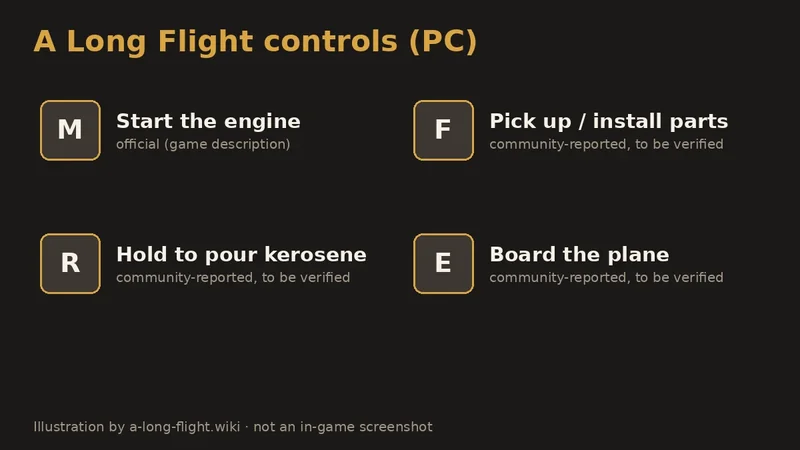
Check the displayed key prompts, including M, F, R, and E, before taxiing.
Plan the first route
Before leaving the starting area, select one visible destination rather than flying in an unmarked direction. Airports are the clearest targets, but roads, buildings, motels, gas stations, ranches, hills, mountain ranges, and abandoned structures can also help you keep track of where you are. These landmarks matter because the available records do not establish a complete, reliable waypoint list.
Use this simple route rule: take off toward a landmark, check fuel and aircraft condition during the outbound leg, then decide whether to continue, return, or land nearby. Do not wait for the engine to stop before looking for a landing place. The exact fuel capacity is not established for every aircraft; a reported small-fuel example should not be treated as a universal tank size. The desert map guide explains how to use roads, radar, and landmarks for that route.
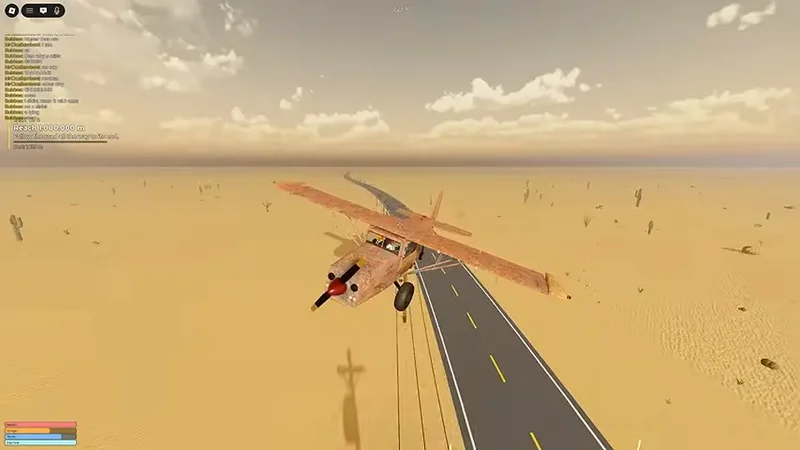
Use roads and other ground landmarks to keep your route recognizable during the flight.
First-flight decisions
| Situation | Priority | Next action | Avoid |
|---|---|---|---|
| Fuel is falling | Reach a landing option | Return toward an airport, fuel point, dirt strip, or clear landing area | Continuing until the engine stops |
| Rain, darkness, or lightning | Keep orientation and visibility | Reduce risk and choose a nearby recognizable landmark or landing area | Long-distance flight or stunts |
| Engine or battery trouble | Preserve control | Look for the safest reachable ground and prepare to land | Assuming the aircraft will recover on its own |
| Hostile aircraft or rocket attack | Survive the encounter | Change direction, reduce exposure, and land as soon as practical | Staying on course just to continue the fight |
| Zombie near a ground stop | Finish preparation quickly | Refuel, repair, or collect parts while limiting time outside | Remaining exposed beside the aircraft |
Handle weather and threats
Weather changes the value of every route. Rain and darkness reduce visibility, while lightning and tornado-like conditions make an ambitious flight less forgiving. When the horizon becomes difficult to read, stop treating a landmark as a distant destination and treat it as a reason to land sooner. Keep the aircraft level, avoid unnecessary turns, and prioritize a runway or open ground over a stunt.
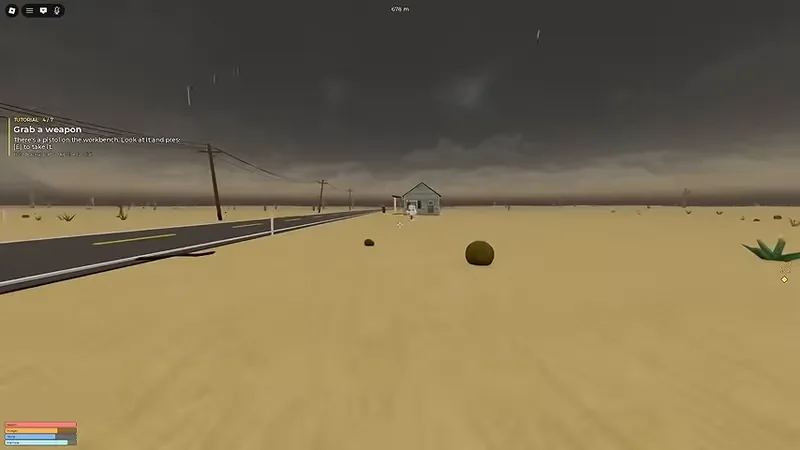
Rain and dark weather can reduce visibility, so choose a nearby recognizable landing option.
Ground stops also require preparation. Zombies may approach and can interfere with doors, so refuel, search for parts, and repair the plane without lingering outside. If you encounter a hostile aircraft, evasion is a valid solution. The available records show that a rocket can enter the engine area and cause a rapid crash; the exact weapon and spawn rules are not fully documented, so do not plan around a guaranteed counterattack. Follow the survival resupply loop for safer stops.
Land and recover
Start the landing decision while you still have options. Reduce speed as you approach an airport or dirt strip, line up with the available surface, and use braking after touchdown without steering sharply. If a formal runway is not reachable, a clear desert section can be a better choice than forcing a damaged approach into a mountain or continuing through poor visibility.
Practice a smooth takeoff and desert landing
This moment reinforces the controlled takeoff and smooth desert landing approach recommended for recovering safely.

After landing, reassess the aircraft before taking off again. Check fuel, the engine, battery, propeller, and any missing parts. A crash or death may return you to the game, but the available evidence does not guarantee that aircraft parts, battery state, or fuel are restored. Treat recovery as a new preflight rather than assuming the previous condition has been reset.
FAQ
Is A Long Flight Roblox a combat game?
It is primarily a flight-and-survival experience. Hostile aircraft and rockets can create combat pressure, but the beginner solution is often to evade or land safely rather than engage. A complete weapon system or enemy spawn rule is not documented.
What is the best aircraft for a first flight?
The evidence mentions an old rusty aircraft, Dust Comet, helicopters, and other planes, but it does not provide a complete speed, handling, fuel-capacity, or cargo comparison. Choose a plane you can start, control, and inspect in the current game instead of relying on an unsupported ranking.
Can I use roads and buildings to navigate?
Yes. Roads, motels, gas stations, ranches, mountains, hills, and abandoned buildings are useful visual references when a dependable waypoint is unavailable. Use them to choose the next landing or return direction, not as proof of a fixed route order.
Why can’t I take off?
Recheck the aircraft parts, battery, ignition, engine, fuel, and parking brake, then follow the prompt shown in the current cockpit. If the plane still will not start, try another available aircraft or repair the missing component. Exact controls and failure causes can change by aircraft or update.
SourcesReviewed October 27, 2026
https://www.roblox.com/games/129631837832236/A-Long-Flight
https://alongflight.wiki/getting-started/a-long-flight-first-flight-walkthrough
https://alongflight.wiki/aircraft/a-long-flight-how-to-start-the-engine
https://alongflight.wiki/exploration/a-long-flight-navigation-guide
The official Roblox listing supports the experience identity and current listing metadata. The community pages support the first-flight, startup, and navigation procedures. Exact fuel capacity, complete aircraft statistics, final Sandbox availability, full shop inventory, and precise hostile-aircraft rules are not established by the reviewed evidence. Controls and balance may change, so the live in-game prompt is decisive.